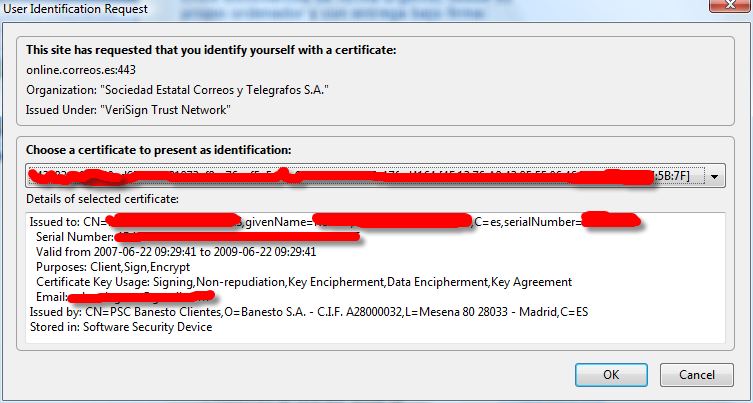
Well, check that SSLv2 is enabled in Firefox’s about:config page first.
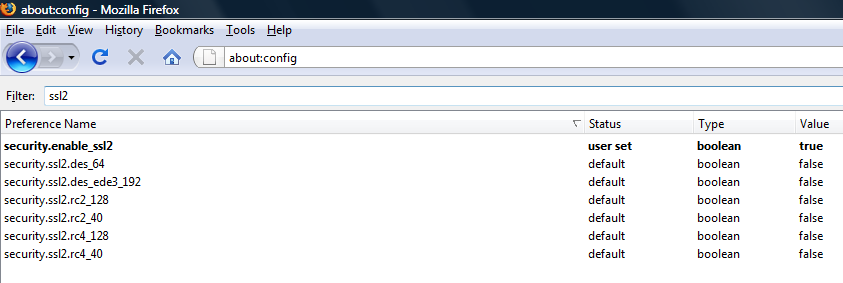
It seems that http://correos.es hasn’t realized that SSLv2 is a bit unsecure and they still force you to use that one. So to enable SSLv2 follow this instructions. I did, and now I can login.